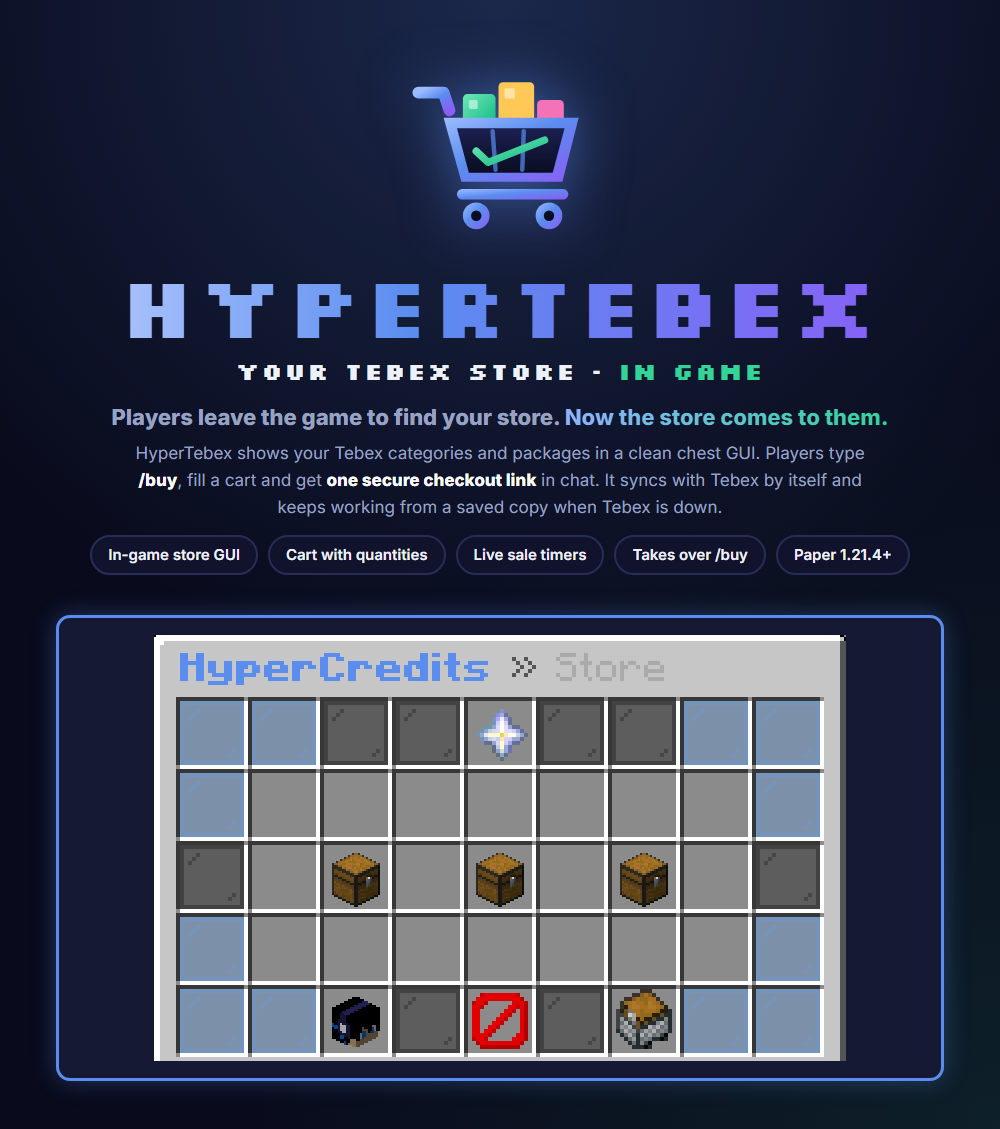
Your Tebex store, right inside Minecraft.
Players don't need to leave the game to find your store. They type /buy, browse your Tebex categories in a chest GUI, and get a secure checkout link in chat.
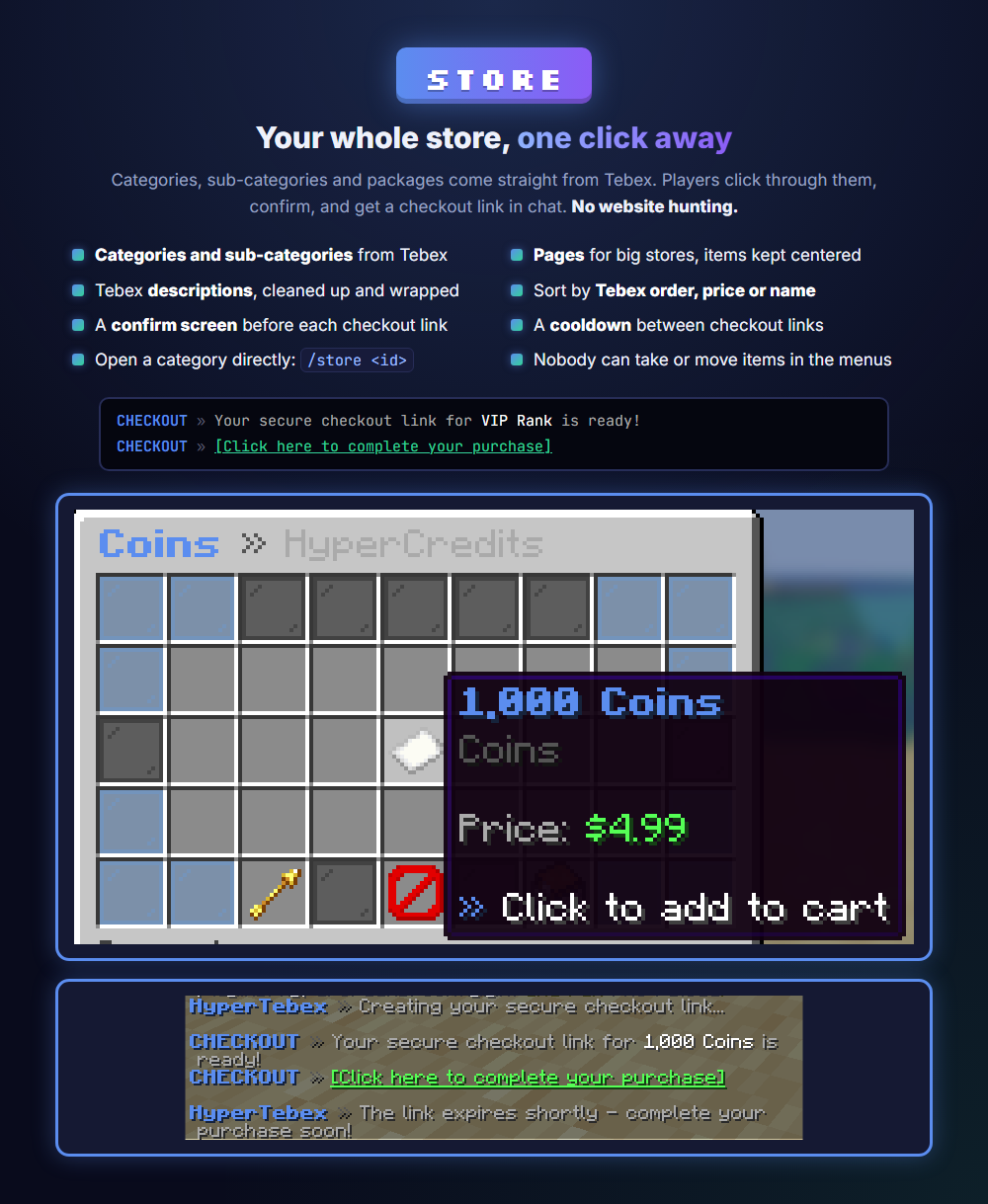
Your whole store, one click away
Categories, sub-categories and packages come straight from Tebex, with their descriptions cleaned up and wrapped to fit. Big stores get pages, and a page with only a few items keeps them centered. Players confirm their choice and get a clickable checkout link in chat. A cooldown stops link spam, and nobody can take or move items in the menus.
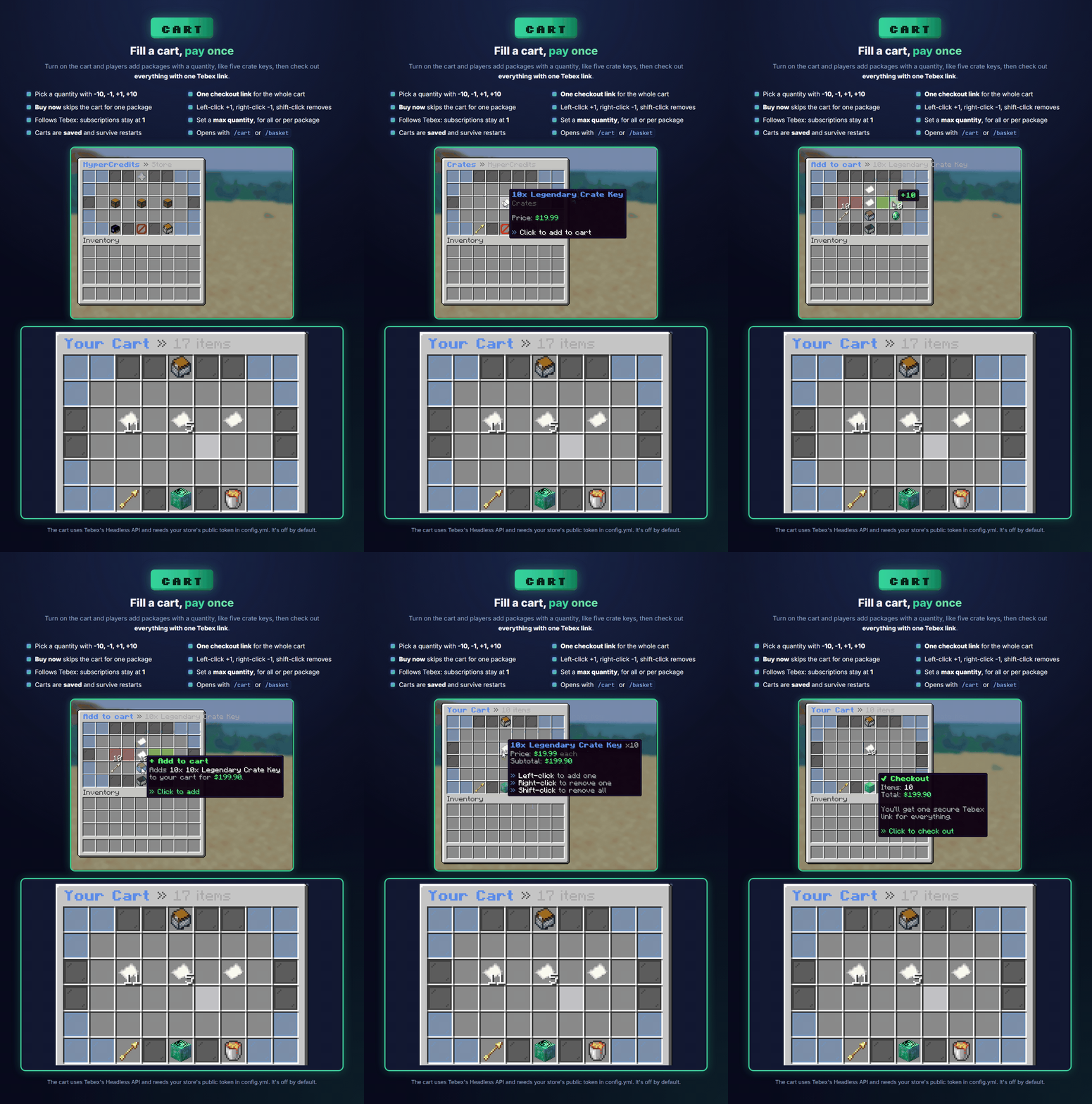
Fill a cart, pay once
Turn on the cart and players add packages with a quantity, like ten crate keys, using -10, -1, +1 and +10 buttons. Checkout gives one Tebex link for the whole cart, and Buy now skips the cart for a single package. Subscriptions and packages with "disable quantity" in Tebex stay at 1. Carts are saved and survive restarts. The cart uses Tebex's Headless API, so it needs your store's public token in config.yml. It's off by default.
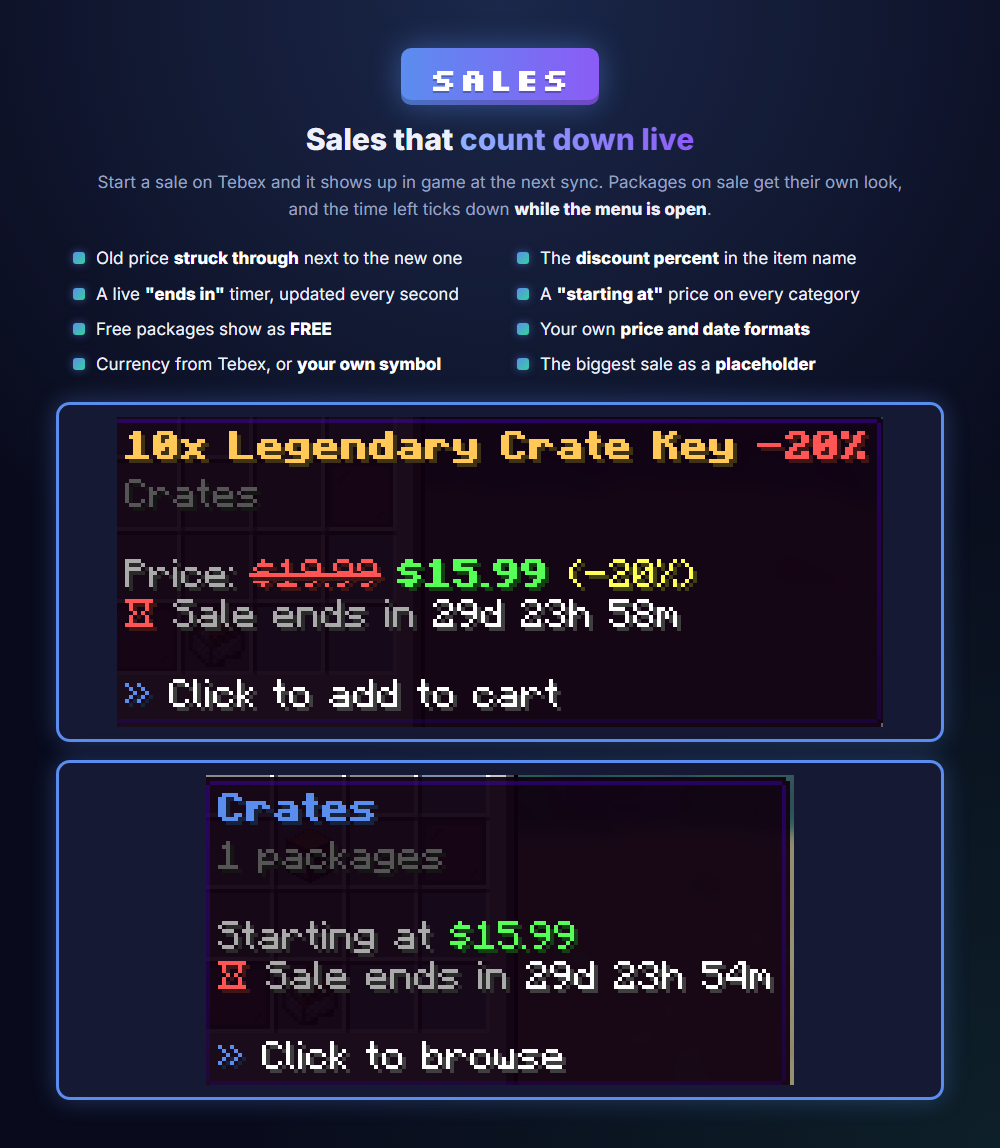
Sales that count down live
Start a sale on Tebex and it shows up in game at the next sync. Packages on sale show the old price struck through, the discount in the name, and an "ends in" timer that updates every second while the menu is open. Categories show a "starting at" price, and free packages show as FREE. Price, date and currency formats are yours to set.
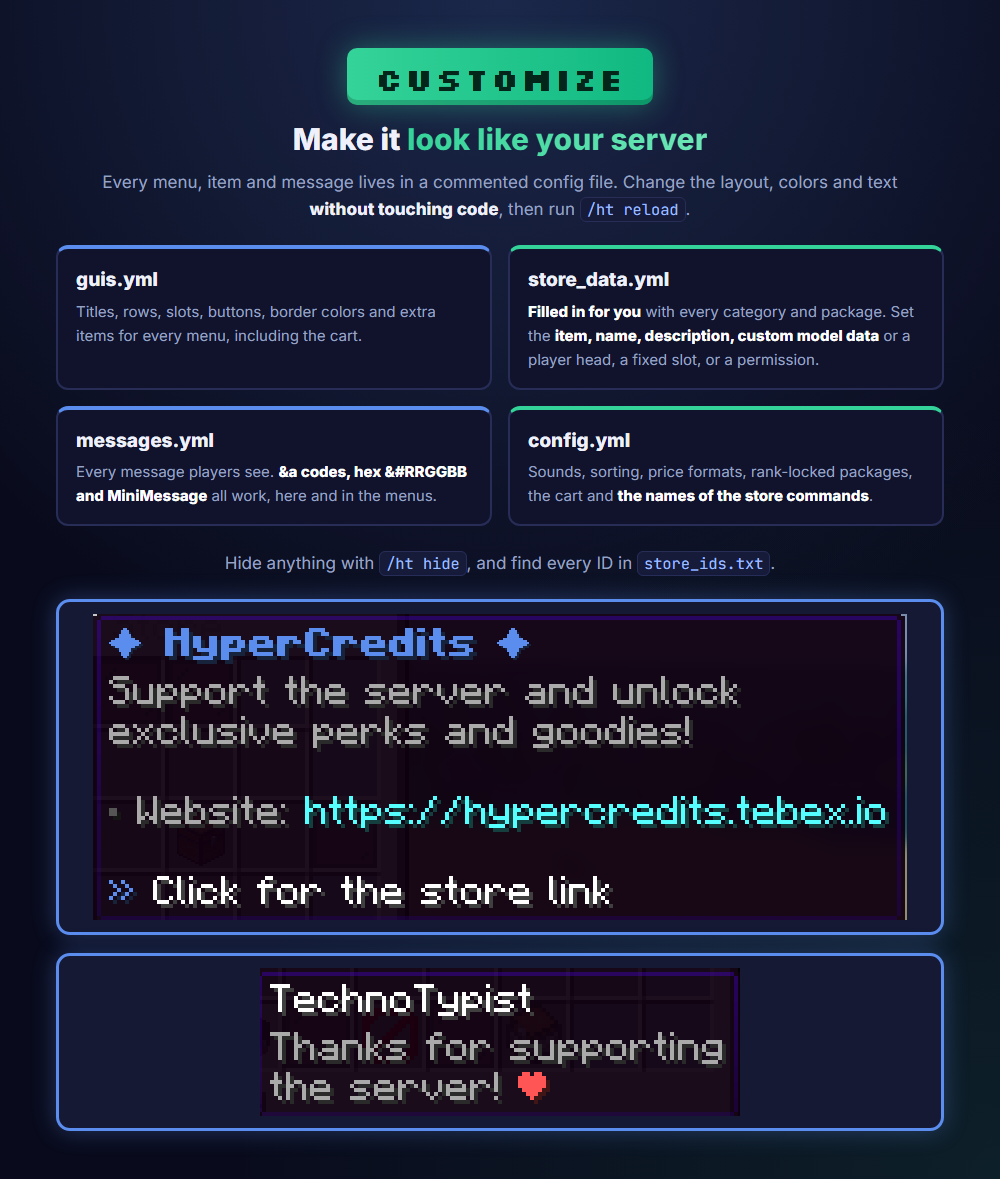
Make it look like your server
Every menu, item and message lives in a commented config file. Change titles, slots, buttons and border colors in guis.yml. store_data.yml fills itself with every category and package, so you just find one by name and set its item, name, description, custom model data or player head, a fixed slot, or a permission. Hide anything with /ht hide, and find every ID in store_ids.txt. Legacy color codes, hex colors and MiniMessage all work.
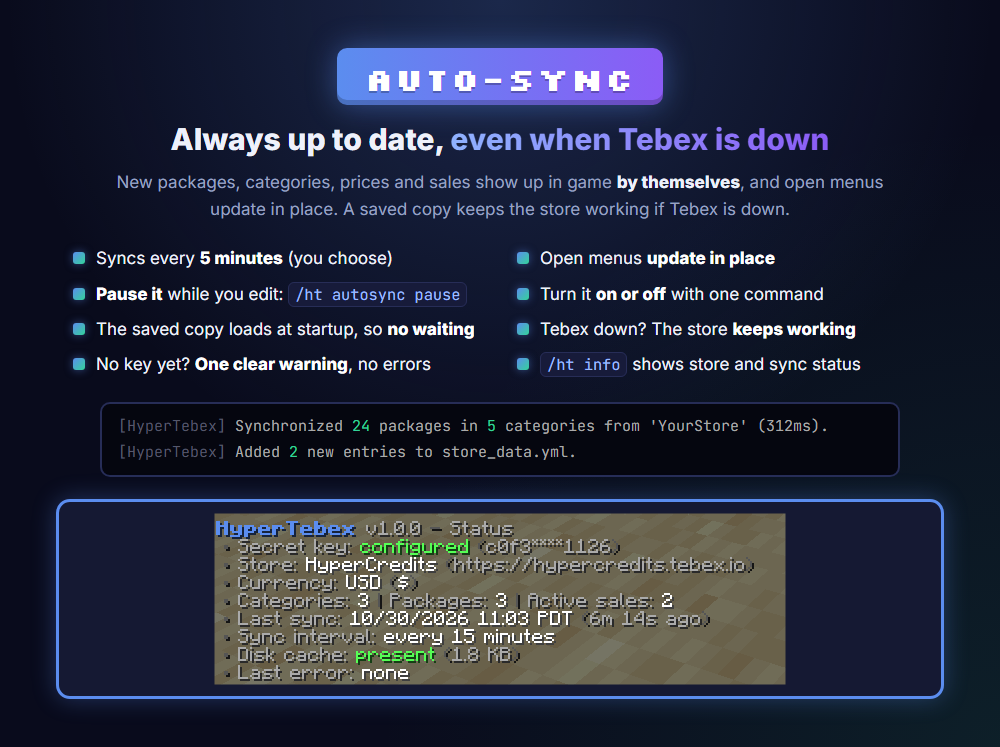
Always up to date, even when Tebex is down
New packages, categories, prices and sales show up in game by themselves. HyperTebex syncs every 5 minutes (you choose) and updates open menus in place. Making a lot of changes on Tebex? Pause it with /ht autosync pause, or turn it off and on. A saved copy keeps the store working if Tebex is down, and a fresh install with no key starts with one clear warning.
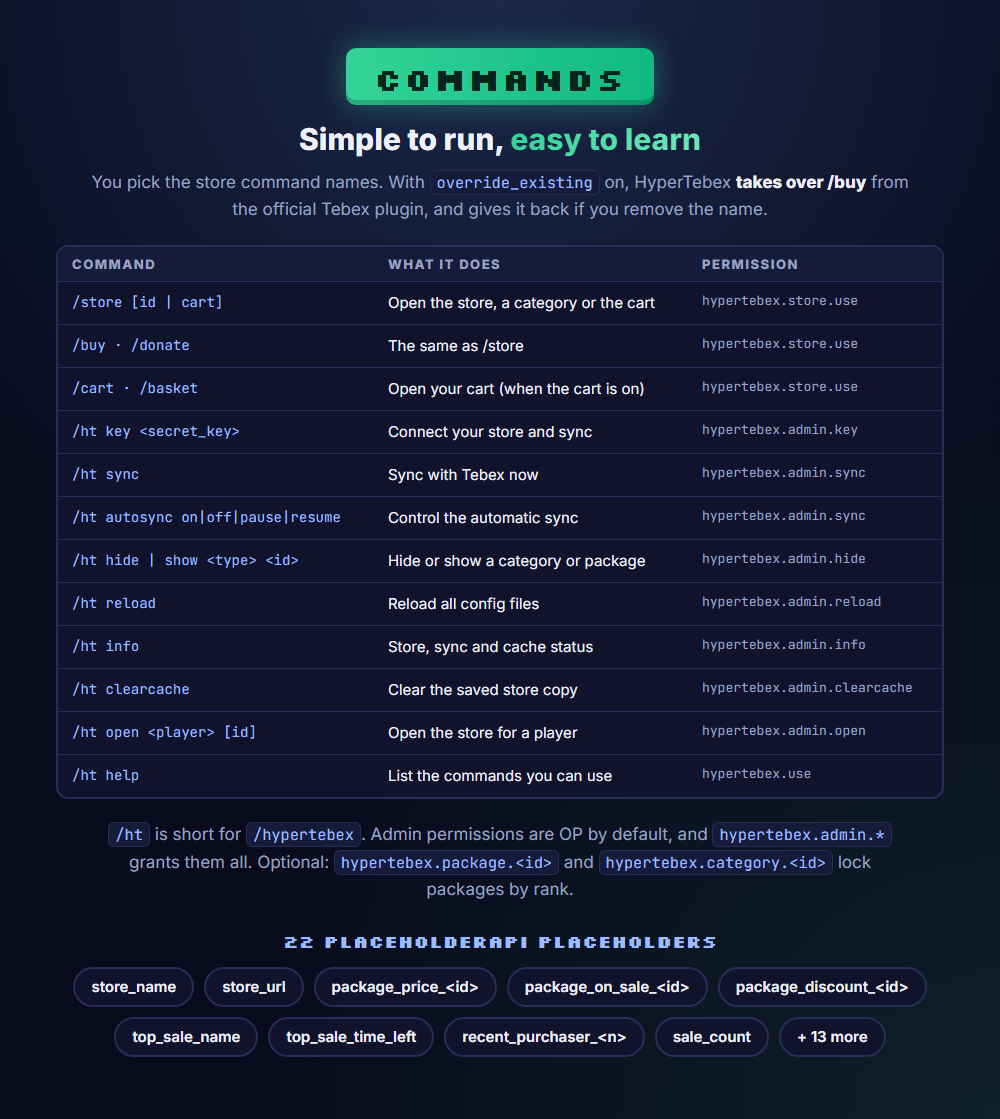
Commands and placeholders
You pick the store command names. HyperTebex can take over /buy from the official Tebex plugin, and gives it back if you remove the name. 22 PlaceholderAPI placeholders cover prices, sales and recent buyers.